
How Highland County Court Calendar Works
The Highland County Court of Common Pleas runs its scheduling through its official calendars page. Two channels sit there: a General Division Calendar and a Domestic Relations Calendar. Each one opens a Court Schedule Report PDF that gets refreshed from time to time. Those reports are handy for tracking Common Pleas court dates. Still, they are not full search screens. You cannot probe any date, case, or attorney through them. Common Pleas also links its Court View Public Records tool. That covers the underlying Civil, Criminal, and Domestic docket.
One caution matters. Calendar information can shift daily. Sometimes the change comes at the last minute and without notice. Staff try to post changes by the end of each business day. Treat any report as a first check rather than the final word. When something rides on a court date, confirm it. Check the newest docket entry, a signed order, or call the court. There is no public statewide calendar portal gathering every local court in Highland County. No single printed daily calendar covers them all either.
The Common Pleas calendar landing page hosts this Highland County court-calendar image. It also links out to both division-specific Court Schedule Report channels.
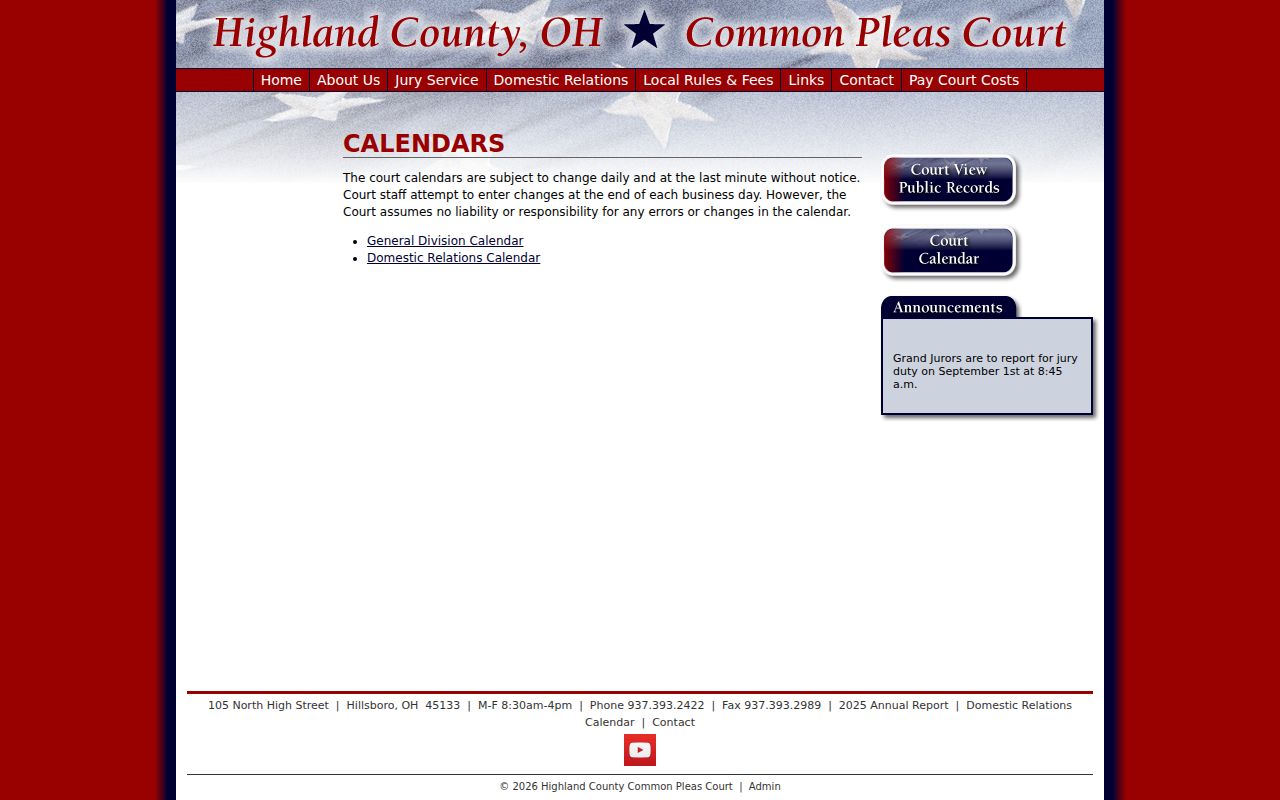
Match the setting to the right case type first. A report from the wrong division tells you nothing about your Highland County court date.
Highland County Court Calendar PDF
A Court Schedule Report is a PDF, not a live docket feed. Inside you may find the report date range. The hearing date and time, judicial officer, case number, case style, and setting label also appear. Party and attorney roles and event comments round out the row. General Division criminal listings sometimes add a charge number and description too. A line reading "No DownTime Scheduled for Today" simply reflects the report format. It is not a promise that the calendar stays unchanged.
The gap matters when a date is urgent. Open the current PDF for the right division. Then, for a Common Pleas Civil, Criminal, or Domestic case, check eAccess. That is where the newest docket event shows. If a later entry or order conflicts with an older PDF line, the later court-approved action governs. Given the Court's own change warning, a direct call is the safer last confirmation. That is especially true when time runs short.
One more tool is not a calendar at all. The Clerk's case-management-system e-filing function serves filing workflow. It is optional unless the Common Pleas court orders it. Clerk review decides whether a submitted filing gets accepted. Even an accepted filing that creates a docket entry will not tell you the current setting. Confirm that through the calendar, docket, order, or owning court.
The Common Pleas rules and fees page is the official source for this Highland County court-calendar image. Its links tie together local rules, public records, and calendar materials.
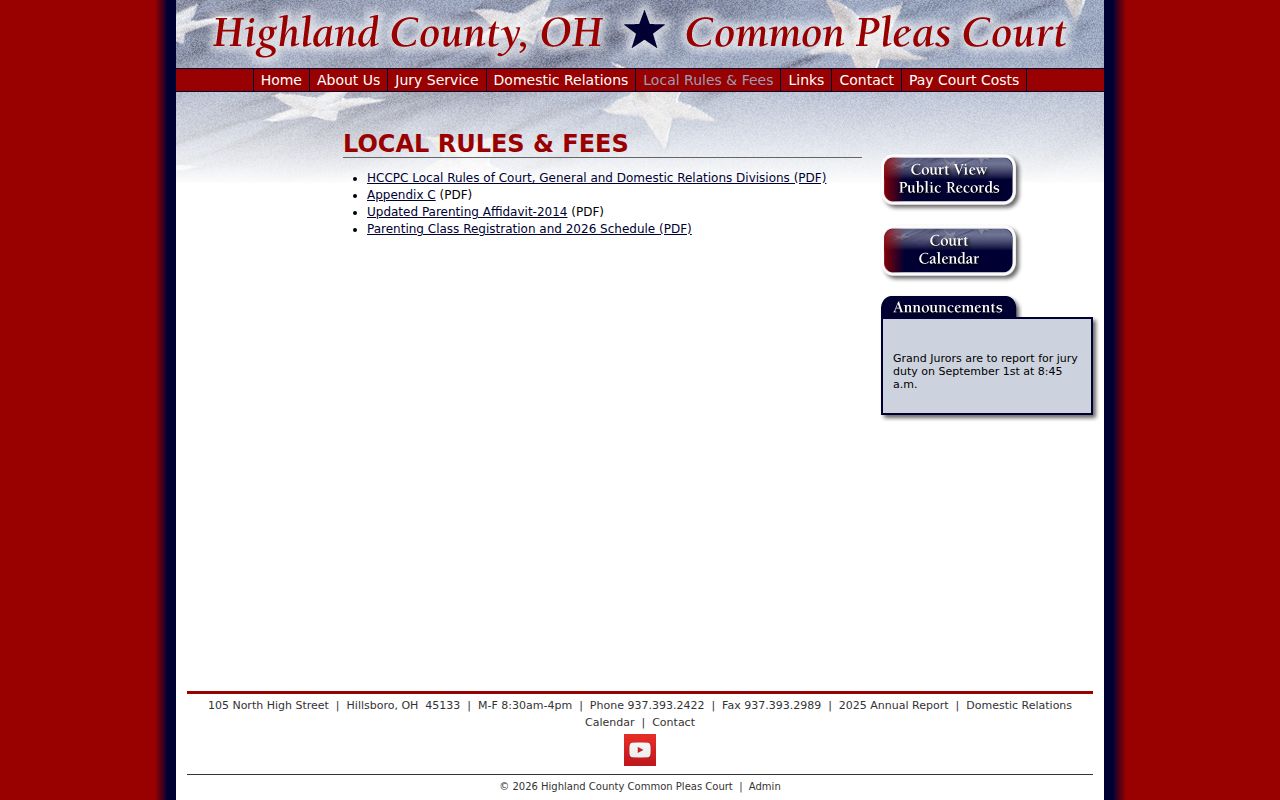
Read the schedule report side by side with the docket. That habit keeps an older planning document from being mistaken for a final court instruction in Highland County.
Highland County Court Date Lookups
Begin with the court and division shown on the citation, notice, or docket heading. For Common Pleas General and Domestic matters, pull the correct current Court Schedule Report. The eAccess Court View Public Records docket also helps when available. Domestic Relations points users to the Events feature in CourtView/eAccess. That tool is specifically for checking a court date. A traffic, misdemeanor, eviction, small-claims, Probate, or Juvenile matter belongs elsewhere. It belongs to the lower court or division that owns it instead.
- Identify the owning court and division from the notice, citation, or case heading.
- For Common Pleas General or Domestic, open the matching Court Schedule Report and see whether its current range includes the case.
- Check the newest docket event for a Common Pleas case, then read the date, time, setting type, officer, and any event comment together.
- For County Court, Probate, or Juvenile, account for the stated 24-hour-or-more online delay and request or visit for verified information when needed.
- Call the owning court when a date is close, missing, or unclear, and keep the latest court notice and order.
Need a live voice? Common Pleas answers at 937-393-2422. For a Domestic Relations date missing from Events, call 937-393-3676. Greenfield County Court lists 937-981-2139, Probate 937-393-9981, Juvenile 937-393-9982, and Hillsboro Municipal Court 937-393-3022. The Clerk legal office at 937-393-9957 handles Common Pleas records. An urgent setting goes faster through the court itself.
Highland County Court Date Court Split
No Common Pleas calendar reaches every Highland County court date. Hillsboro Municipal Court serves the county except Madison Township for municipal-court territory. Madison Township instead routes through Highland County Court, Madison Township Division. Greenfield County Court's local rules set sessions for Monday and Wednesday from 9:00 a.m. until adjournment. That is a session schedule, not an individual case setting. Confirm an exact date through its Record Search, your citation, or the clerk or court directly.
Probate and Juvenile keep their own Record Search tools and direct phone lines. Their CaseLook pages carry a caution. Online data may lag filings and judicial action by at least 24 hours. Hillsboro Municipal Court is a separate court and clerk channel as well. These lower-court routes matter whenever the matter is not a Common Pleas case. A blank line on a Common Pleas PDF does not mean the case lacks a future hearing.
| Setting owner | First online check | Confirmation channel |
|---|---|---|
| Common Pleas General or Domestic | Appropriate Court Schedule Report and eAccess | Common Pleas at 937-393-2422 |
| Greenfield County Court | County Court Record Search | County Court at 937-981-2139 or clerk counter |
| Probate or Juvenile | Division Record Search | Probate 937-393-9981 or Juvenile 937-393-9982 |
| Hillsboro Municipal Court | Official municipal court channel | Municipal Court at 937-393-3022 |
Note: Court session hours are not a substitute for the individual setting shown on a current docket, notice, or court confirmation.
Court Settings: What Each Field Means
Read a Highland County Common Pleas setting as a whole line, not just a date. The Court Schedule Report packs a lot into one row. You get the hearing date and time. The judicial officer, the case number and style, the setting label, and any event comments sit there too. Party roles and attorney fields help you tell one entry from another. General Division reports may add charge information. No courtroom number or floor is promised for every event. So skip the guesswork when a schedule line leaves the room out.
Event comments matter. A note may state the planned length. It might flag a Zoom or phone format or some other hearing detail. But a listed time never overrides a later order. Trust the most recent court communication. If an entry is unclear, call the court. If the calendar just changed, do the same before you drive over.
| Date | The calendar day in the published listing block. |
|---|---|
| Time | The scheduled clock time shown by the report. |
| Judicial officer | The judge or magistrate field displayed by the Court Schedule Report. |
| Case number and style | Fields that identify the listed case and help distinguish similarly named matters. |
| Setting type | The event label, read with any comment, that describes the planned proceeding. |
Highland County Court Calendar Comments
Schedule labels in Highland County carry local meaning. General Division reports list arraignment, pretrial, final pretrial, sentencing, and intervention-in-lieu plea. Domestic Relations reports run wider: dissolution final, purge hearing, child-support hearing, pretrial/final, settlement conference, contempt, final hearing, hearing on entry, and phone conference, pretrial, or status hearing. A label tells you what is planned, nothing more. It is not proof of any result.
- Arraignment
- An early criminal appearance after indictment service, set as soon as feasible under Highland Rule 33.
- Final pretrial
- A later management setting that precedes trial or resolution and is not itself a final result.
- Purge hearing
- A published Domestic Relations label that requires the docket and order for its exact issue.
- Hearing on entry
- A scheduled hearing about an entry or order, with context supplied by the case docket.
- Settlement conference
- A court-supervised effort to resolve a case before trial or final hearing.
A short calendar label cannot tell the whole story. The newest court-approved docket entry supplies the missing context. That matters most when a case shows several staged dates at once.
When a Court Date Moves
In Highland County, a motion to continue is not a reset. For Common Pleas civil dates, Local Rule 13 demands a written motion served on the opposing party. It also requires an entry the court approves and posts to the docket. Domestic Relations Rule 25 follows the same written-motion and approved-entry pattern. Its entry should state a new date and time, or leave blanks for them when needed. Spot a pending motion? Look for the later court-approved entry before you assume the hearing moved.
Criminal cases run in stages too. Rule 33 sets the first pretrial, final pretrial, and trial dates at arraignment. The court or magistrate does the setting there. A defendant seeking a continuance must include a speedy-trial waiver. The granting entry must also state the related extension. Calendar reports can be updated at the end of the business day. The court warns changes may still come daily or at the last minute. For the practical answer, the later docket entry, the order, and direct confirmation from the court control.
The Clerk local-rules and forms landing page shows the written-motion and approved-entry standard behind this Highland County court-calendar material. Treat it as the authority for any formal date change.
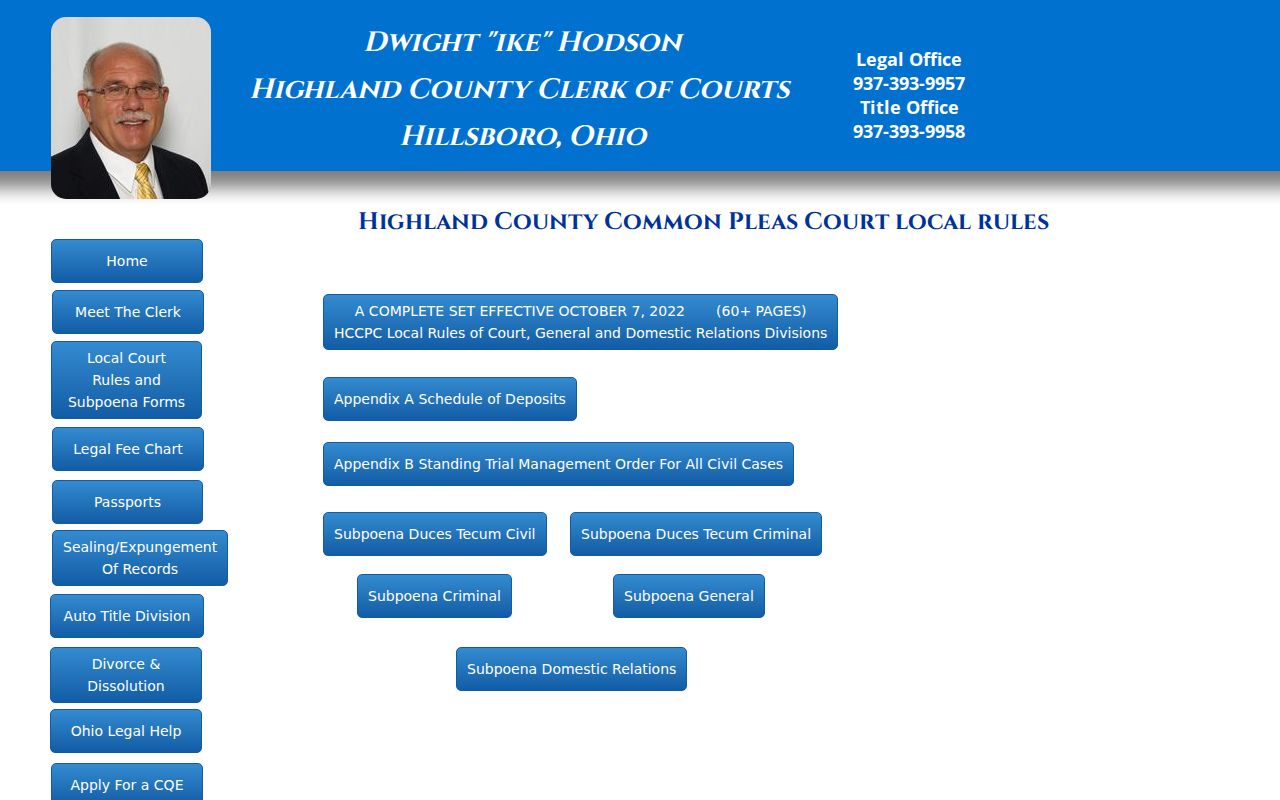
A current PDF helps with planning. Still, the approved docket entry is the reliable sign the court formally moved a setting.
Highland County Court Calendar Video Settings
Remote-format details can show up in a Highland County Court Schedule Report's event comments. Zoom was busy in the 2025 Common Pleas annual report. It recorded 520 General Division Zoom sessions. The year also included 28 Domestic Relations Zoom hearings and 28 courtroom video hearings. Those counts describe one report year of court operations. They do not mean any hearing you face can be attended remotely. The current court order decides the format for a particular setting. So do the calendar comment and a call to the court.
Criminal Rule 33 also allows a summonsed person to appear at arraignment in person or by remote video. An arrested person, by contrast, is arraigned by video from the Highland County Justice Center. See a Zoom, phone, or other remote note on the calendar? Read the event comment together with any later entry. And never assume a remote note changes the date, the time, or other docket instructions.
Ohio case-management reporting information gives statewide context for the local court's reported case-management data. That data is the material behind this Highland County court-calendar page.
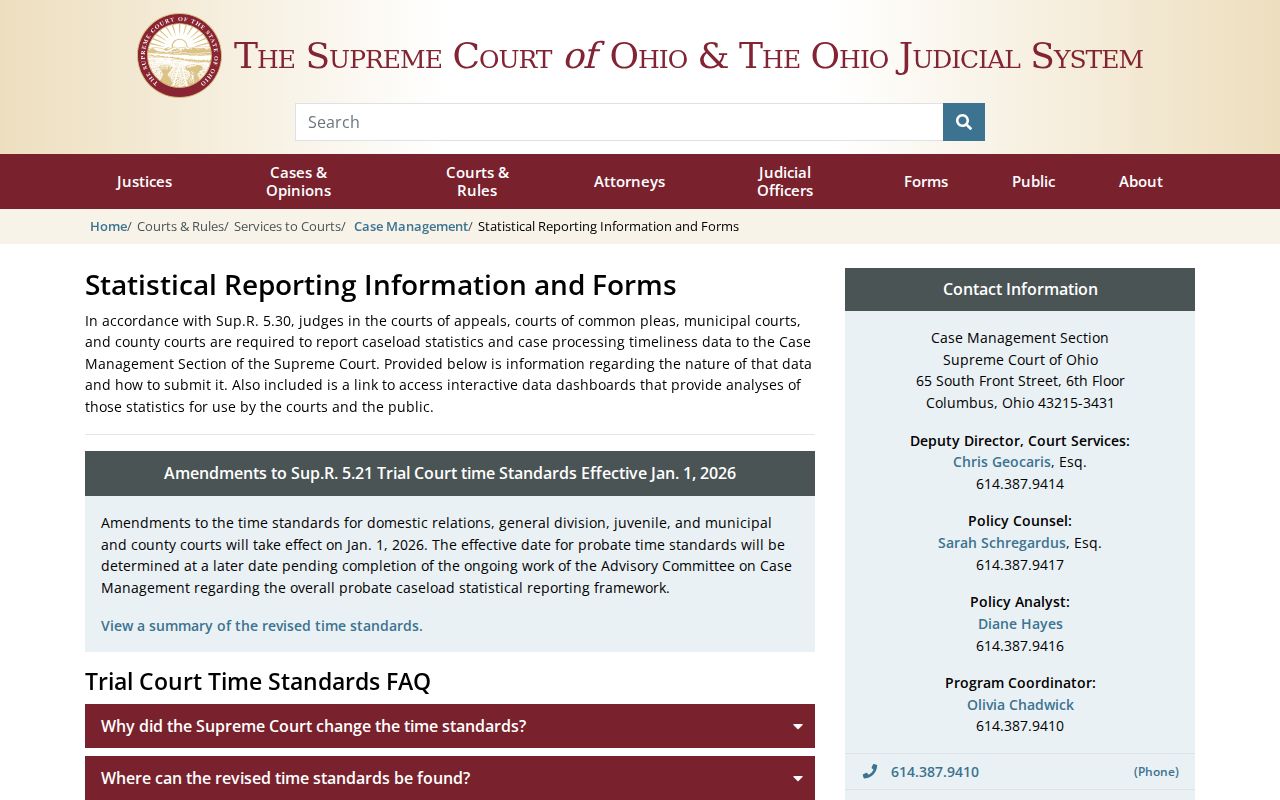
The strongest confirmation is always the current court notice. Match it against the line listed by the court that owns the hearing.
Highland County Court Date Checks
When a Highland County court date matters soon, run three checks. Pull the newest Highland County docket entry. Then pull the current notice or calendar report. Then call the court that owns the setting. The Highland County Common Pleas calendar is a Court Schedule Report PDF. A listed time is never a guarantee. Court staff warn that a Highland County schedule can shift daily, sometimes at the last minute.
For a General or Domestic setting, read five things at once. Check the date, the time, the judicial officer, the setting label, and any event comment. A Highland County continuance only takes effect once the court approves and dockets the entry. Asking to move a date does nothing by itself. Lower-court settings run on a different route. Greenfield County Court serves Madison Township, while Hillsboro Municipal Court covers the remaining municipal territory.
A Highland County case number makes direct confirmation faster. If an entry is delayed or unclear, call the Highland County court that owns it. Do not trust another division's calendar. That habit guards against an older report, a stale CaseLook result, or the wrong court's session day. When the docket, the notice, and the calendar report disagree, a Highland County clerk can also explain the current access channel. Divisions within Highland County can differ in timing and reporting, so the court caption belongs in every reliable date check.
Missed Settings and What Comes Next
Missed a Highland County court date? Call the court that owns the setting right away. Have the case number ready. Add the case type, the date on the notice, and a short account of what was missed. Common Pleas handles its own court-date questions at 937-393-2422. The Clerk takes record and certification questions at 937-393-9957. Greenfield County Court, Hillsboro Municipal Court, Probate, and Juvenile each run their own dockets. Call the one with your case.
Before acting on an old calendar line, pull the newest docket. Pull any order entered after it too. If a lawyer is on the case, the latest notice from the court and counsel's instructions will clarify where things stand. There is no fixed outcome for every missed setting in Highland County. Nobody can promise a reset or guess how a court will respond. The case itself, the court rule, and any order on file decide what comes next.
After a missed setting: Call the owning court promptly and request the current date, status, and any instruction recorded for the case.
Do not rely on an earlier Court Schedule Report when the docket or a later court order may have changed the setting.
For advice about obligations in a particular case, consult a licensed attorney.
The Clerk and court contact page lists the phone and clerk channels behind this Highland County court-calendar information. When the posted date leaves questions open, a direct call gets answers fast.
For a hearing coming up soon, the court that owns it is the quickest trustworthy source for the current schedule.
Highland County Court Calendar Contact Chain
To pin down an exact date, use the online route and the direct court route together. The Common Pleas General and Domestic offices sit at 105 North High Street in Hillsboro. They are open to the public Monday through Friday from 8:30 a.m. to 4:00 p.m. Probate and Juvenile share the street address. They post public hours of 7:00 a.m. to 4:00 p.m. Greenfield County Court sits at 300 Jefferson Street, second floor, with its own separate clerk hours. Bring the case number, or enough detail to identify the matter, when you ask to see a record or get a question answered.
County policy on public records asks for reasonably identifying information so staff can process a request. Staff will help narrow one that is unclear or too broad. That policy does not override confidentiality rules tied to a particular court. The county offers its online services, and nothing more by way of a public terminal. When an electronic entry looks stale or thin, ask the owning clerk or court about a current docket review. Ask about a copy of the record, or the right way to request it in person, too.